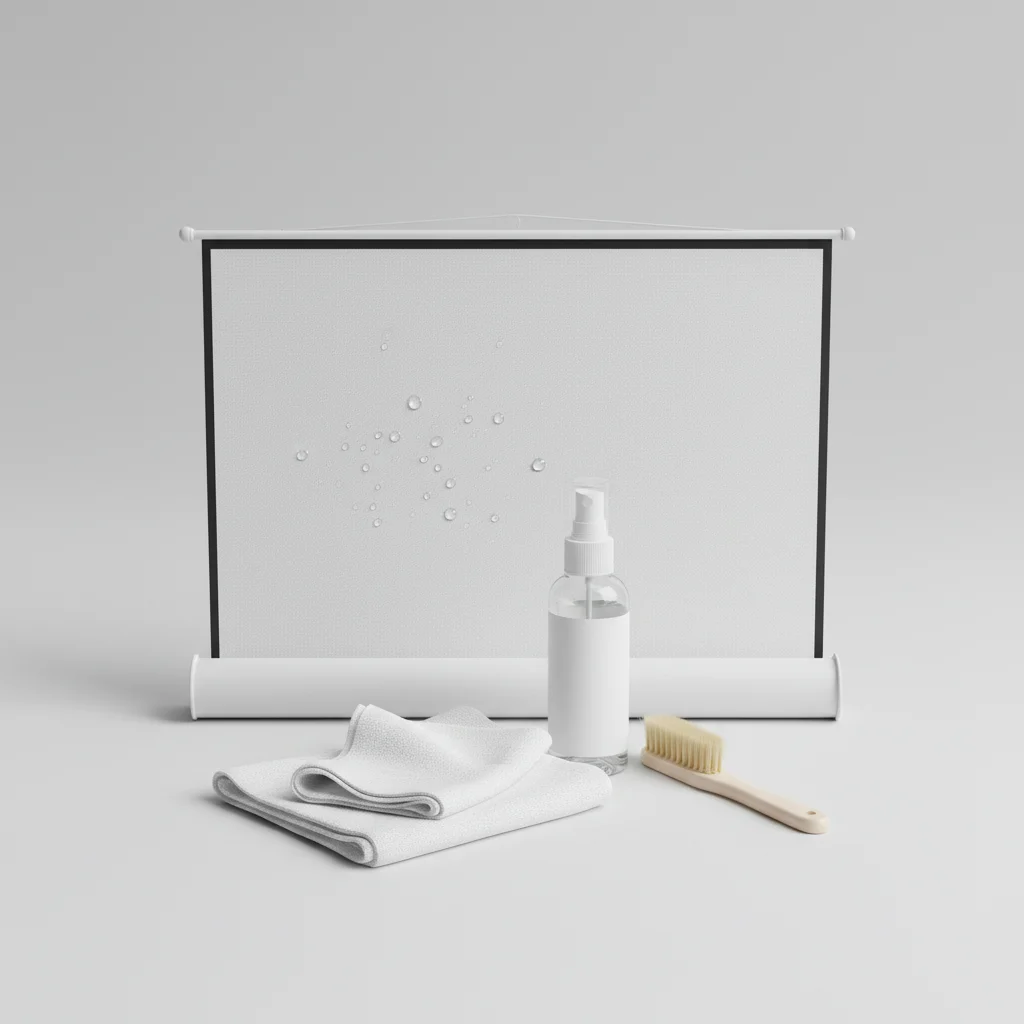
Extending the lifespan of your projector screen is crucial for maintaining optimal viewing quality and protecting your investment. With proper care, a quality projector screen can last anywhere from 5 to 10 years, or even longer. This guide will walk you through the essential steps to ensure your screen remains in pristine condition, covering everything from routine cleaning to careful handling and storage.
Routine Cleaning for Optimal Performance
Regular cleaning is the cornerstone of good projector screen maintenance. Dust, fingerprints, and environmental particles can accumulate on the screen surface, degrading image quality over time. For most screen materials, a soft, lint-free microfiber cloth is your best friend. Gently wipe the screen in one direction to remove loose dust. For more stubborn marks, a slightly damp cloth with distilled water can be used, but always check the manufacturer’s recommendations first. Avoid harsh chemicals, abrasive materials, or excessive scrubbing, as these can damage the delicate screen coating.
Handling and Installation Best Practices
Improper handling during installation or relocation is a common cause of screen damage. Always handle the screen by its frame or edges, never by the viewing surface itself. When installing, ensure the screen is level and securely mounted to prevent warping or sagging. For retractable screens, operate them smoothly and avoid sudden jerks. If you’re installing a fixed-frame screen, make sure the tensioning system is evenly applied to prevent wrinkles. Proper installation not only protects the screen but also ensures the best possible viewing experience.
Protecting Your Screen from Environmental Factors
Environmental factors can significantly impact your projector screen’s longevity. Direct sunlight, extreme temperatures, and high humidity are all detrimental. If your screen is in a room with direct sunlight, consider blackout curtains or blinds to protect it when not in use. For outdoor screens, always store them indoors in a cool, dry place when not in use. Dust covers are also an excellent investment for both indoor and outdoor screens, providing an extra layer of protection against airborne particles and accidental damage.
Addressing Common Screen Issues
|
Our Picks for the Best Projector Screen in 2026
As an Amazon Associate I earn from qualifying purchases.
|
||
| Num | Product | Action |
|---|---|---|
| 1 | TOWOND Outdoor Projector Screen with stand, 120 inch Portable Movie Screen - 16:9 4K HD Foldable Anti-Crease Projection Screen with Carry Bag for Movie Nights, Camping and Parties Support Double Sided |

|
| 2 | TOWOND Projector Screen with Stand, 100 inch Outdoor Projector Screen Portable Indoor Projection Screen 16:9 4K Rear Front Movie Screen with Carry Bag for Home Backyard Theater 100 inch |
|
| 3 | AAJK Projector Screen 150 inch, Washable Projector Screen 16:9 Foldable Anti-Crease Portable Projector Movies Screen for Home Theater Outdoor Indoor Support Double Sided Projection |
|
| 4 | 120 inch Projector Screen 2025 Upgraded- Black Backing, Straight Edges, Foldable, Washable and Wrinkle-Free - for Indoor Home Theater and Outdoor Cinema -White 16:9 by IOLIEO |
|
| 5 | TOWOND Projector Screen and Stand, 150 inch Indoor Outdoor Projection Screen, Portable 16:9 4K HD Rear Front Movie Screen with Carry Bag Wrinkle-Free Design for Home Theater Backyard Cinema |
|
| 6 | Outdoor Projector Screen with Stand - 120 Inch Portable Projector Screen Indoor and Outdoor Projector Screens 16:9 4K HD Wrinkle Free Lightweight Movie Screen with Carry Bag,Enioy Movie Nights |
|
| 7 | Projector Screen,HUANYINGBJB 4K 16:9 HD Rear Front Projector Screen Foldable Projection Screen Double-Sided Portable Outdoor Indoor Projector Screens for Movie Home Theater (120) |
|
| 8 | 120inch Outdoor Projector Screen with Stand: 16:9 4K HD Portable Projector Screen Outdoor Indoor - Front/Rear Movie Screen with Carry Bag, Sandbag - Projection Screen for Backyard, Camping, Theater |
|
| 9 | Pyle 50 Inch Portable Projector Screen with Tripod Stand – Lightweight, Durable, Easy Pull Setup Mobile Projection Screen with 4:3 Aspect Ratio, White Matte Fabric for Indoor/Outdoor Use |
|
| 10 | Taotique Projector Screen 72 inch, Movie Projector Screen 16:9 HD Foldable and Portable Anti-Crease Indoor Outdoor Projection Double Sided Video Projector Screen for Home, Party, Office, Classroom |
|
Even with the best care, some issues can arise. Wrinkles, for example, can often be resolved by allowing a retractable screen to hang fully extended for a few days, or by re-tensioning a fixed-frame screen. For minor scuffs or smudges that don’t come off with gentle cleaning, consult the manufacturer’s guide for specific recommendations. Never attempt to repair tears or significant damage yourself, as this can often worsen the problem. Professional repair or replacement might be necessary in such cases.
- Gently dust with a microfiber cloth weekly.
- Use distilled water sparingly for spot cleaning.
- Always handle by the frame, not the screen surface.
- Store retractable screens fully retracted or covered.
- Avoid direct sunlight and extreme temperatures.
Long-Term Storage Solutions
If you plan to store your projector screen for an extended period, proper preparation is key. For retractable screens, ensure they are fully retracted and, if possible, covered with a protective sleeve. Fixed-frame screens should be carefully disassembled (if designed for it) and stored flat in their original packaging or a custom-made protective case. Always store screens in a climate-controlled environment to prevent material degradation due to temperature fluctuations or humidity.Investing in a good storage solution can significantly prolong the life of your screen, especially for portable or seasonal use.
When to Consider an Upgrade
While proper maintenance can extend your screen’s life, there comes a point when an upgrade might be beneficial. If your screen shows irreversible damage, significant color fading, or if new projector technology (like 4K or ultra-short throw) demands a more advanced screen material, it might be time for a new one. Keep an eye on advancements in screen technology, such as ALR (Ambient Light Rejecting) screens, which can dramatically improve picture quality in rooms with ambient light.Regularly assessing your viewing needs and screen performance will help you decide when an upgrade is the right choice.
Get our weekly buyer guide
Practical specs, not advice. Unsubscribe anytime.
