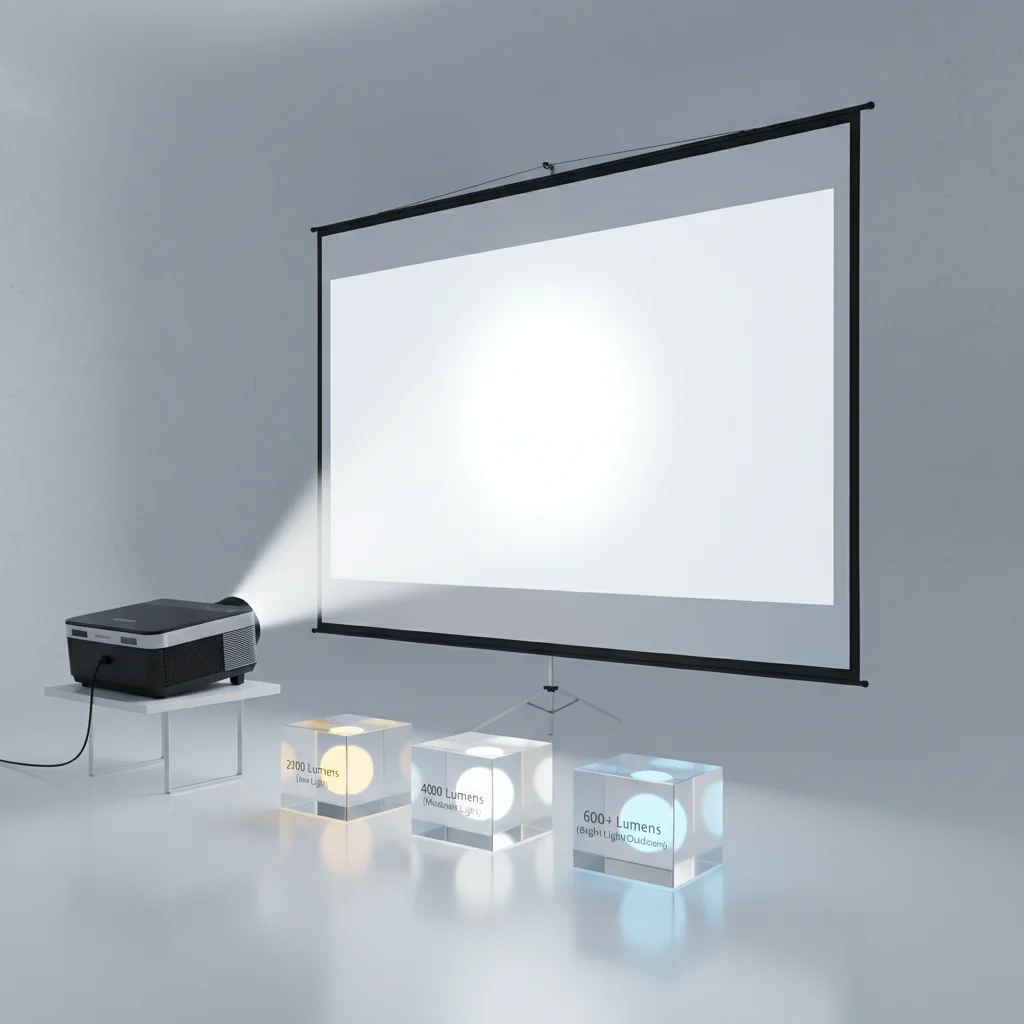
Understanding projector screen brightness is crucial for an optimal viewing experience, and it’s directly tied to your projector’s lumen output and ambient light conditions. For a dedicated dark home theater, a projector with 1,500-2,500 lumens is often sufficient, paired with a screen that has a gain of 1.0 to 1.2. However, for rooms with moderate ambient light, you’ll typically need a projector in the 3,000-4,000 lumen range, combined with an ambient light rejecting (ALR) screen to maintain image vibrancy.
Understanding Lumens and Screen Gain
Lumens measure the total light output of a projector, while screen gain describes how much light a screen reflects back to the viewer. A screen with a gain of 1.0 reflects all the light it receives equally in all directions. A gain higher than 1.0 means the screen concentrates light, making the image appear brighter to viewers directly in front, but potentially dimmer at wider viewing angles. Conversely, a gain lower than 1.0 (often found in ALR screens) absorbs ambient light while reflecting the projector’s light, improving contrast in brighter environments. For compare top projector screens on this site.
It’s important to balance these two factors. A high-lumen projector with a low-gain ALR screen can perform well in a bright room, just as a lower-lumen projector with a standard gain screen excels in a dark room. The goal is to achieve a comfortable viewing brightness without causing eye strain or washing out colors.
Ambient Light Conditions and Screen Choice
The amount of ambient light in your viewing area is the most significant factor in determining your brightness needs. In a completely dark room, even a modest projector and a standard white or gray screen can produce a stunning image. As light increases, however, the image on a standard screen will appear faded and washed out. This is where ALR screens become invaluable. They are engineered with microscopic structures that selectively reflect light from the projector while absorbing light from other angles, such as windows or overhead lights.
For outdoor setups, where ambient light is often uncontrollable, higher lumen projectors (5,000+ lumens) are frequently recommended, especially for daytime viewing. Paired with a screen designed for outdoor use, these setups can deliver a surprisingly clear picture even under challenging conditions. Consider the time of day you’ll be using your outdoor screen most often.
Calculating Your Ideal Brightness
|
Our Picks for the Best Projector Screen in 2026
As an Amazon Associate I earn from qualifying purchases.
|
||
| Num | Product | Action |
|---|---|---|
| 1 | Taotique Projector Screen 72 inch, Movie Projector Screen 16:9 HD Foldable and Portable Anti-Crease Indoor Outdoor Projection Double Sided Video Projector Screen for Home, Party, Office, Classroom |

|
| 2 | AAJK Projector Screen 150 inch, Washable Projector Screen 16:9 Foldable Anti-Crease Portable Projector Movies Screen for Home Theater Outdoor Indoor Support Double Sided Projection |
|
| 3 | 120 inch Projector Screen 2025 Upgraded- Black Backing, Straight Edges, Foldable, Washable and Wrinkle-Free - for Indoor Home Theater and Outdoor Cinema -White 16:9 by IOLIEO |
|
| 4 | Pyle 50 Inch Portable Projector Screen with Tripod Stand – Lightweight, Durable, Easy Pull Setup Mobile Projection Screen with 4:3 Aspect Ratio, White Matte Fabric for Indoor/Outdoor Use |
|
| 5 | Outdoor Projector Screen with Stand - 120 Inch Portable Projector Screen Indoor and Outdoor Projector Screens 16:9 4K HD Wrinkle Free Lightweight Movie Screen with Carry Bag,Enioy Movie Nights |
|
| 6 | 120inch Outdoor Projector Screen with Stand: 16:9 4K HD Portable Projector Screen Outdoor Indoor - Front/Rear Movie Screen with Carry Bag, Sandbag - Projection Screen for Backyard, Camping, Theater |
|
| 7 | Projector Screen,HUANYINGBJB 4K 16:9 HD Rear Front Projector Screen Foldable Projection Screen Double-Sided Portable Outdoor Indoor Projector Screens for Movie Home Theater (120) |
|
| 8 | TOWOND Outdoor Projector Screen with stand, 120 inch Portable Movie Screen - 16:9 4K HD Foldable Anti-Crease Projection Screen with Carry Bag for Movie Nights, Camping and Parties Support Double Sided |
|
| 9 | TOWOND Projector Screen with Stand, 100 inch Outdoor Projector Screen Portable Indoor Projection Screen 16:9 4K Rear Front Movie Screen with Carry Bag for Home Backyard Theater 100 inch |
|
| 10 | TOWOND Projector Screen and Stand, 150 inch Indoor Outdoor Projection Screen, Portable 16:9 4K HD Rear Front Movie Screen with Carry Bag Wrinkle-Free Design for Home Theater Backyard Cinema |
|
While there’s no single formula that fits all situations, a good starting point is to consider the screen size and viewing distance. For smaller screens (under 100 inches) in dark rooms, 1,500-2,000 lumens is often sufficient. For larger screens (120 inches or more) or rooms with some ambient light, aiming for 2,500-3,500 lumens is a safer bet. For very large screens or bright environments, you might need upwards of 4,000 lumens. Remember that perceived brightness also depends on the screen material and its gain.
Many online calculators can help you estimate the required lumens based on your specific room dimensions and screen size. These tools often take into account factors like screen gain and desired foot-lamberts (a measure of screen brightness).
Types of Screens for Different Brightness Needs
- Matte White Screens: Typically have a gain of 1.0-1.1, offering wide viewing angles and accurate color reproduction. Best for dark rooms.
- High-Gain Screens: Have a gain of 1.3 or higher, making images appear brighter but with narrower viewing angles. Can be useful in moderately lit rooms if viewers are seated centrally.
- Gray Screens: Have a gain of 0.8-0.9, improving black levels and contrast in rooms with some ambient light, but may slightly reduce overall brightness.
- Ambient Light Rejecting (ALR) Screens: Specifically designed to combat ambient light, often with gains between 0.6 and 1.0. Essential for rooms with significant light.
- Ultra Short Throw (UST) ALR Screens: Optimized for UST projectors, these screens have a unique optical structure to reflect light from below while absorbing light from above.
When selecting your screen, always consider the projector you’ll be pairing it with. A mismatch can lead to a disappointing viewing experience, regardless of the quality of individual components.
Optimizing Your Setup for Maximum Brightness
Beyond lumens and screen gain, several other factors can influence the perceived brightness and overall image quality. Controlling ambient light is paramount; even with an ALR screen, minimizing light from windows and overhead fixtures will significantly improve contrast and color saturation. Using blackout curtains or blinds is highly effective. Additionally, ensure your projector is properly calibrated. Incorrect settings for brightness, contrast, and color can severely impact the image, making it appear dimmer or washed out.
Regular maintenance, such as cleaning your projector’s lens and filters, also helps maintain optimal light output. Over time, dust can accumulate and reduce the effective lumen output. Finally, consider the age of your projector lamp if it’s a lamp-based model, as lamps naturally dim over their lifespan.
Get our weekly buyer guide
Practical specs, not advice. Unsubscribe anytime.
