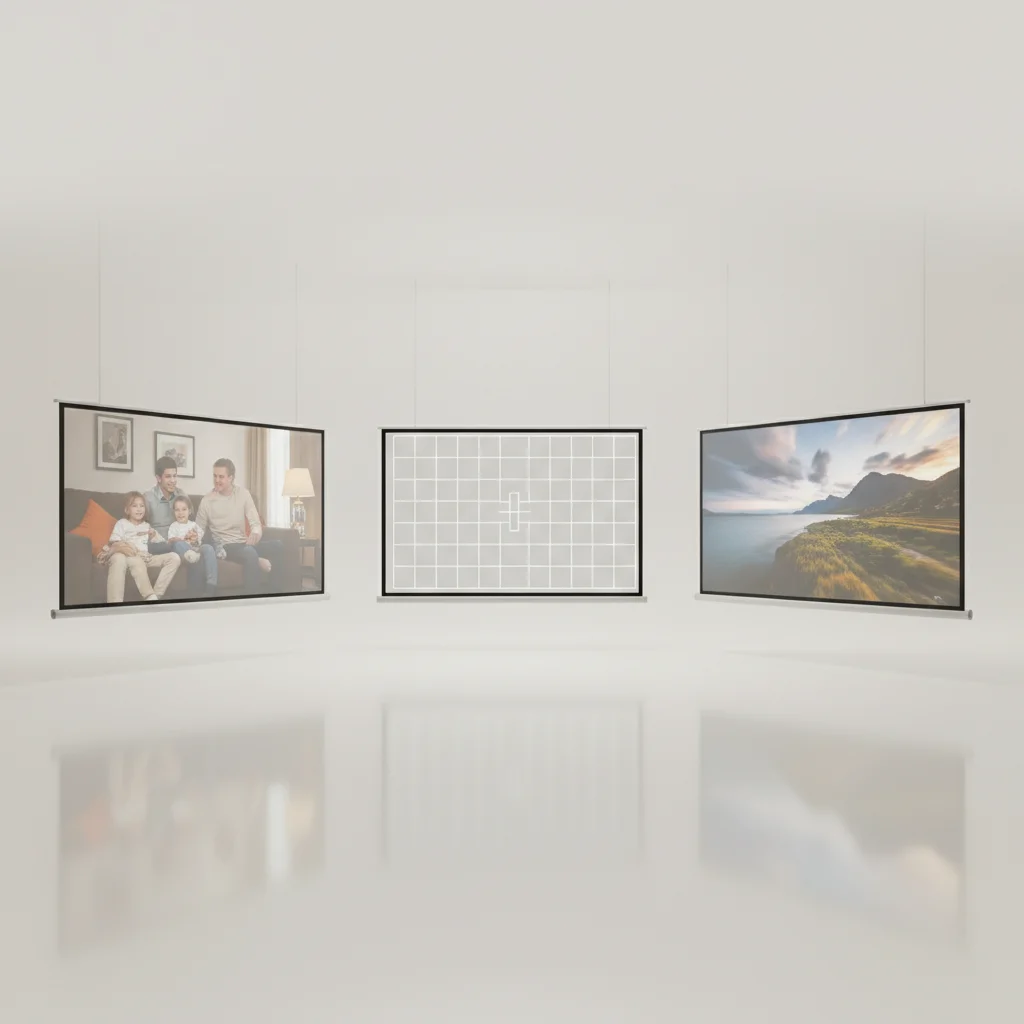
Choosing the correct projector screen aspect ratio is crucial for an optimal viewing experience, and there are primarily three common ratios to consider: 16:9, 4:3, and 2.35:1. Each ratio is designed to best suit different types of content, from widescreen movies to standard television broadcasts and even older presentations. Understanding these differences will help you select a screen that perfectly complements your projector and viewing habits, preventing distorted images or wasted screen space.
Understanding the Common Aspect Ratios
The aspect ratio of a projector screen describes the proportional relationship between its width and its height. The most prevalent ratio today is 16:9, often referred to as ‘widescreen,’ which is the standard for HDTVs, Blu-ray movies, and most streaming content. This ratio provides a cinematic feel and is ideal for modern home theater setups. For those primarily watching older television shows, standard definition content, or business presentations, the 4:3 aspect ratio, also known as ‘full screen,’ might be more appropriate. While less common for new home theater installations, it’s still relevant for specific applications.
A more specialized ratio is 2.35:1 (or 2.40:1), often called ‘Cinemascope’ or ‘anamorphic widescreen.’ This ultra-wide format is designed to replicate the immersive experience of commercial movie theaters, displaying films shot in this native aspect ratio without black bars at the top and bottom. It requires a compatible projector with an anamorphic lens or specific scaling capabilities to be fully utilized.
Matching Aspect Ratio to Content and Projector
The key to selecting the right aspect ratio lies in the content you plan to watch most frequently and the capabilities of your projector. If your primary use is watching modern movies and TV shows, a 16:9 screen is almost certainly the best choice. Most projectors are optimized for this ratio, making setup straightforward. If you frequently switch between different content types, some screens offer masking systems that can adjust the visible screen area to match various aspect ratios, though these are typically more expensive.
For dedicated cinephiles who want to eliminate black bars on ultra-widescreen movies, a 2.35:1 screen paired with an anamorphic lens setup can provide an unparalleled immersive experience. However, this is a more advanced and costly configuration. Conversely, if you’re setting up a projector for a classroom or office where older presentations and standard video are common, a 4:3 screen might still be a practical and cost-effective solution.
Considerations for Installation and Room Layout
|
Our Picks for the Best Projector Screen in 2026
As an Amazon Associate I earn from qualifying purchases.
|
||
| Num | Product | Action |
|---|---|---|
| 1 | TOWOND Projector Screen with Stand, 100 inch Outdoor Projector Screen Portable Indoor Projection Screen 16:9 4K Rear Front Movie Screen with Carry Bag for Home Backyard Theater 100 inch |

|
| 2 | TOWOND Projector Screen and Stand, 150 inch Indoor Outdoor Projection Screen, Portable 16:9 4K HD Rear Front Movie Screen with Carry Bag Wrinkle-Free Design for Home Theater Backyard Cinema |
|
| 3 | 120 inch Projector Screen 2025 Upgraded- Black Backing, Straight Edges, Foldable, Washable and Wrinkle-Free - for Indoor Home Theater and Outdoor Cinema -White 16:9 by IOLIEO |
|
| 4 | TOWOND Outdoor Projector Screen with stand, 120 inch Portable Movie Screen - 16:9 4K HD Foldable Anti-Crease Projection Screen with Carry Bag for Movie Nights, Camping and Parties Support Double Sided |
|
| 5 | Projector Screen,HUANYINGBJB 4K 16:9 HD Rear Front Projector Screen Foldable Projection Screen Double-Sided Portable Outdoor Indoor Projector Screens for Movie Home Theater (120) |
|
| 6 | Taotique Projector Screen 72 inch, Movie Projector Screen 16:9 HD Foldable and Portable Anti-Crease Indoor Outdoor Projection Double Sided Video Projector Screen for Home, Party, Office, Classroom |
|
| 7 | Pyle 50 Inch Portable Projector Screen with Tripod Stand – Lightweight, Durable, Easy Pull Setup Mobile Projection Screen with 4:3 Aspect Ratio, White Matte Fabric for Indoor/Outdoor Use |
|
| 8 | 120inch Outdoor Projector Screen with Stand: 16:9 4K HD Portable Projector Screen Outdoor Indoor - Front/Rear Movie Screen with Carry Bag, Sandbag - Projection Screen for Backyard, Camping, Theater |
|
| 9 | Outdoor Projector Screen with Stand - 120 Inch Portable Projector Screen Indoor and Outdoor Projector Screens 16:9 4K HD Wrinkle Free Lightweight Movie Screen with Carry Bag,Enioy Movie Nights |
|
| 10 | AAJK Projector Screen 150 inch, Washable Projector Screen 16:9 Foldable Anti-Crease Portable Projector Movies Screen for Home Theater Outdoor Indoor Support Double Sided Projection |
|
Beyond content, the physical dimensions of your room and your desired viewing distance also play a role. A larger screen with a 16:9 ratio will naturally be wider than a 4:3 screen of the same diagonal measurement. Ensure you have adequate wall space and that the screen size doesn’t overwhelm your viewing area. The throw distance of your projector—the distance from the projector to the screen—must also be considered in conjunction with the screen’s aspect ratio and size to achieve a perfectly framed image.
- Measure your available wall space carefully.
- Determine your primary content type (movies, TV, presentations).
- Check your projector’s native aspect ratio and scaling capabilities.
- Consider future upgrades or changes in viewing habits.
- Factor in viewing distance for comfortable viewing.
The Impact of Aspect Ratio on Immersion
The correct aspect ratio significantly enhances immersion by ensuring that the image fills the screen as intended by the creators. When a 16:9 movie is displayed on a 4:3 screen, you’ll see large black bars on the sides (pillarboxing). Conversely, a 4:3 image on a 16:9 screen will have black bars on the left and right (letterboxing). While modern projectors can often scale images to fit different screen ratios, this can sometimes lead to a slight loss of quality or an unintended cropping of the image. Choosing a screen that matches your primary content’s native aspect ratio minimizes these compromises and maximizes your viewing pleasure.
Ultimately, the decision comes down to your specific needs and preferences. For most home theater enthusiasts, a 16:9 screen offers the best balance of compatibility and cinematic experience. However, understanding the nuances of 4:3 and 2.35:1 can help you make an informed decision for more specialized setups.Investing in the right aspect ratio screen is as important as choosing a quality projector itself, as it directly impacts the visual fidelity and enjoyment of your content.
Get our weekly buyer guide
Practical specs, not advice. Unsubscribe anytime.
