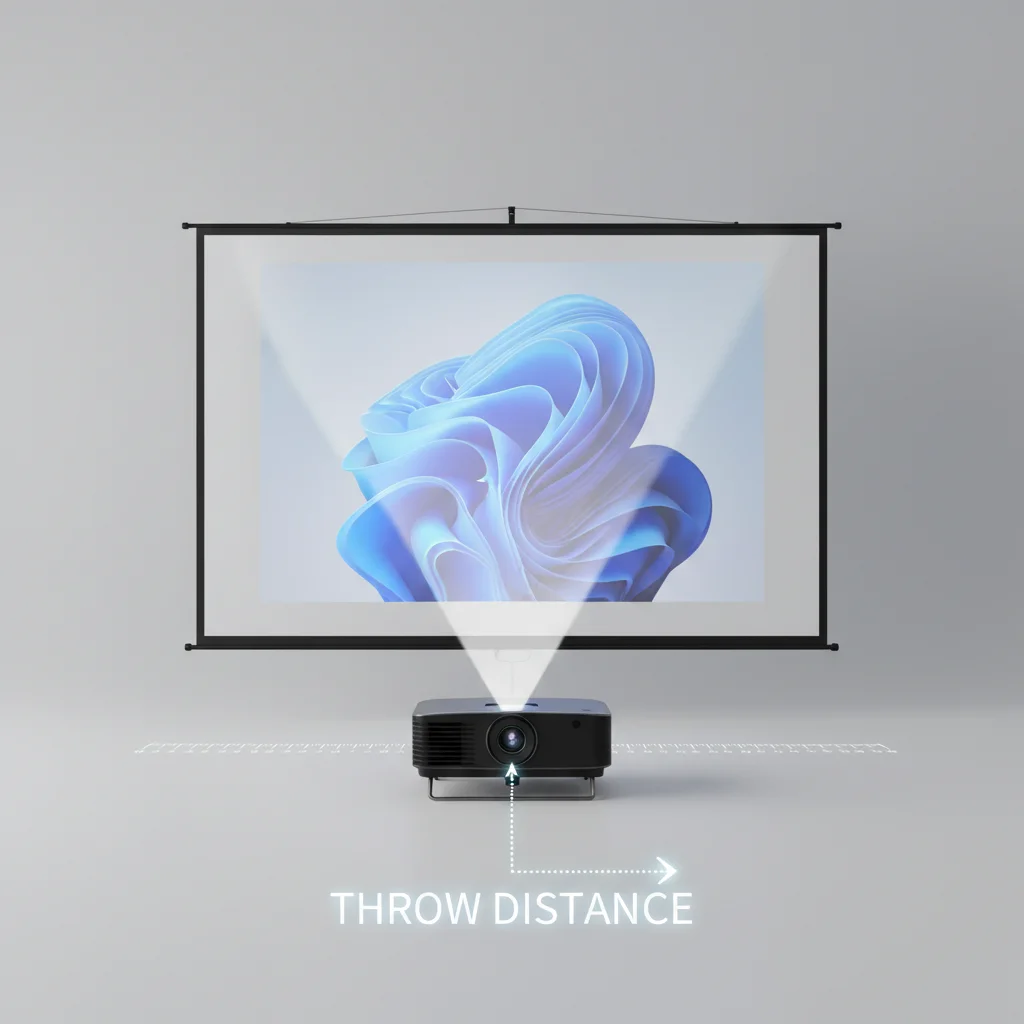
Understanding projector screen throw distance is crucial for achieving an optimal viewing experience. The ideal throw distance, which is the measurement from your projector lens to the screen, depends on several factors including your projector’s throw ratio, the desired screen size, and the available room dimensions. Generally, for a 100-inch screen, a standard throw projector might require a distance of 10-12 feet, while a short-throw projector could be as close as 3-5 feet, and an ultra-short-throw projector might sit just inches away.
What is Projector Throw Ratio?
The throw ratio is a fundamental specification of any projector, defining the relationship between the throw distance and the width of the projected image. It’s expressed as a ratio, for example, 1.5:1. This means that for every 1.5 feet of throw distance, the projector will produce an image 1 foot wide. A lower throw ratio indicates that the projector can create a larger image from a shorter distance. Understanding your projector’s throw ratio is the first step in calculating the appropriate throw distance for your setup.
Calculating Your Ideal Throw Distance
To calculate your ideal throw distance, you’ll need your projector’s throw ratio and your desired screen width. The formula is simple: Throw Distance = Throw Ratio x Screen Width. For instance, if your projector has a throw ratio of 1.3:1 and you want a 120-inch diagonal screen (which typically has a width of about 104 inches for a 16:9 aspect ratio), your throw distance would be approximately 1.3 x 104 inches = 135.2 inches, or roughly 11.27 feet. Always measure your screen width accurately for the most precise calculation.
Short Throw vs. Ultra-Short Throw Projectors
|
Our Picks for the Best Projector Screen in 2026
As an Amazon Associate I earn from qualifying purchases.
|
||
| Num | Product | Action |
|---|---|---|
| 1 | Projector Screen,HUANYINGBJB 4K 16:9 HD Rear Front Projector Screen Foldable Projection Screen Double-Sided Portable Outdoor Indoor Projector Screens for Movie Home Theater (120) |

|
| 2 | TOWOND Projector Screen and Stand, 150 inch Indoor Outdoor Projection Screen, Portable 16:9 4K HD Rear Front Movie Screen with Carry Bag Wrinkle-Free Design for Home Theater Backyard Cinema |
|
| 3 | Pyle 50 Inch Portable Projector Screen with Tripod Stand – Lightweight, Durable, Easy Pull Setup Mobile Projection Screen with 4:3 Aspect Ratio, White Matte Fabric for Indoor/Outdoor Use |
|
| 4 | Outdoor Projector Screen with Stand - 120 Inch Portable Projector Screen Indoor and Outdoor Projector Screens 16:9 4K HD Wrinkle Free Lightweight Movie Screen with Carry Bag,Enioy Movie Nights |
|
| 5 | TOWOND Projector Screen with Stand, 100 inch Outdoor Projector Screen Portable Indoor Projection Screen 16:9 4K Rear Front Movie Screen with Carry Bag for Home Backyard Theater 100 inch |
|
| 6 | 120inch Outdoor Projector Screen with Stand: 16:9 4K HD Portable Projector Screen Outdoor Indoor - Front/Rear Movie Screen with Carry Bag, Sandbag - Projection Screen for Backyard, Camping, Theater |
|
| 7 | Taotique Projector Screen 72 inch, Movie Projector Screen 16:9 HD Foldable and Portable Anti-Crease Indoor Outdoor Projection Double Sided Video Projector Screen for Home, Party, Office, Classroom |
|
| 8 | TOWOND Outdoor Projector Screen with stand, 120 inch Portable Movie Screen - 16:9 4K HD Foldable Anti-Crease Projection Screen with Carry Bag for Movie Nights, Camping and Parties Support Double Sided |
|
| 9 | AAJK Projector Screen 150 inch, Washable Projector Screen 16:9 Foldable Anti-Crease Portable Projector Movies Screen for Home Theater Outdoor Indoor Support Double Sided Projection |
|
| 10 | 120 inch Projector Screen 2025 Upgraded- Black Backing, Straight Edges, Foldable, Washable and Wrinkle-Free - for Indoor Home Theater and Outdoor Cinema -White 16:9 by IOLIEO |
|
Short-throw and ultra-short-throw projectors offer significant advantages in smaller spaces or when you want to avoid shadows from people walking in front of the screen. Short-throw projectors typically have a throw ratio between 0.4:1 and 1.0:1, allowing them to be placed just a few feet from the screen. Ultra-short-throw (UST) projectors, with throw ratios below 0.4:1, can project a large image from mere inches away, often sitting directly below the screen. This makes them ideal for living rooms where space is at a premium or for use with ALR (Ambient Light Rejecting) screens designed specifically for UST projectors.
Impact of Throw Distance on Image Quality
While throw distance primarily affects image size, it can also indirectly influence image quality. Placing a projector too far or too close outside its recommended range can lead to issues like keystoning, where the image appears trapezoidal, or a loss of focus at the edges. Modern projectors often include digital keystone correction, but it’s always best to achieve the correct physical alignment first to preserve image fidelity. Proper throw distance ensures the lens is operating within its optimal range, delivering the sharpest and most uniform picture.
Tips for Optimizing Projector Placement
- Always consult your projector’s manual for its specific throw ratio and recommended throw distance range.
- Consider the room’s layout and potential obstructions before finalizing your screen and projector positions.
- Use online throw distance calculators provided by projector manufacturers for precise measurements.
- Account for any zoom capabilities of your projector, as this can offer some flexibility in placement.
- Test different distances if possible before a permanent installation to find the sweet spot for your setup.
Achieving the correct projector screen throw distance is a critical step in setting up any home theater or outdoor projection system. By understanding throw ratios and utilizing available tools, you can ensure your projector delivers a perfectly sized and sharp image, enhancing your overall viewing pleasure. Don’t rush this step; a little planning goes a long way in optimizing your visual experience.
Get our weekly buyer guide
Practical specs, not advice. Unsubscribe anytime.
